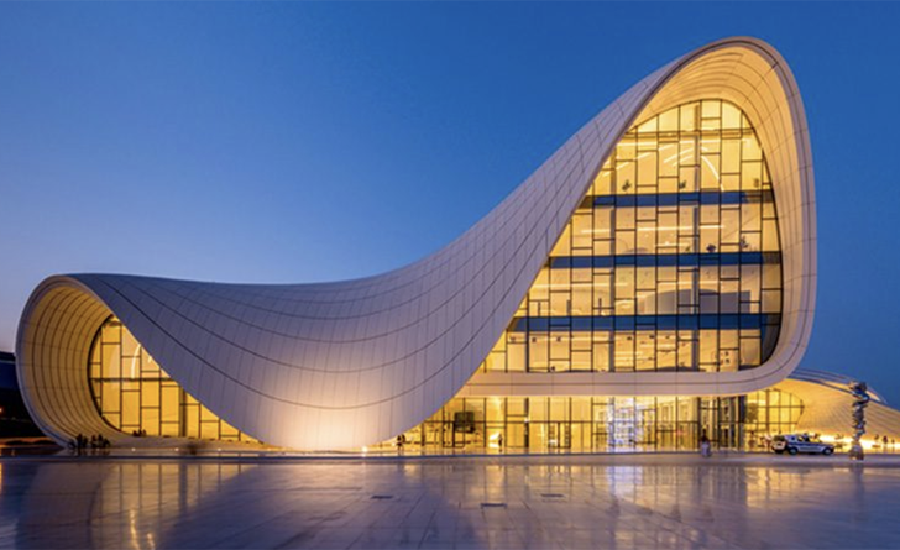
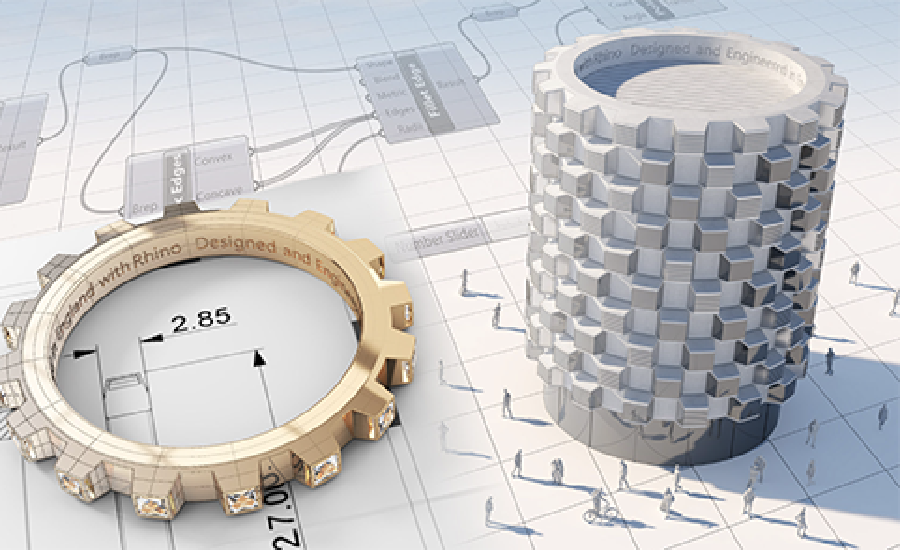
Rhino 8 brings new modeling tools like ShrinkWrap, a huge speed boost for Mac users, SubD Creases, PushPull workflows, better drafting tools, a more customizable User Interface, a faster Render engine, new Grasshopper data types, and much more.
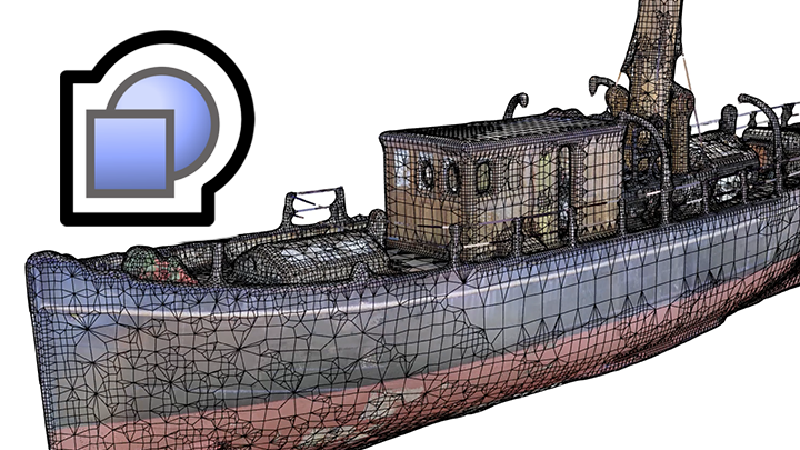
Create a watertight mesh around any geometry, ideal for 3D printing.
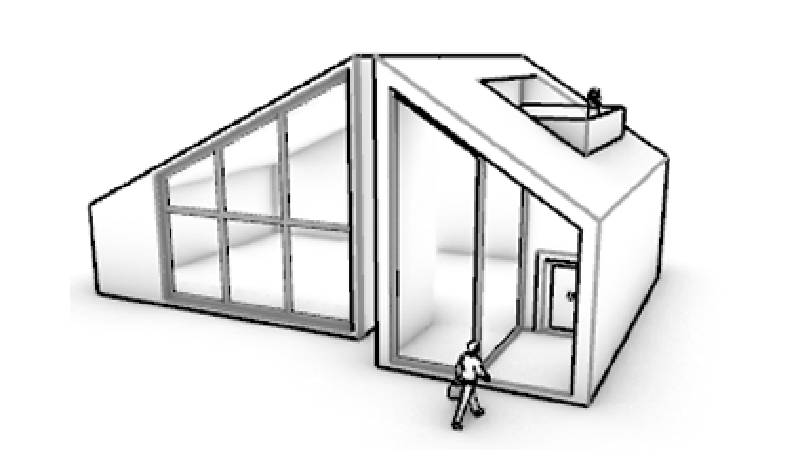
Rhino's model creation tools make it flexible, accurate, open, and very popular.
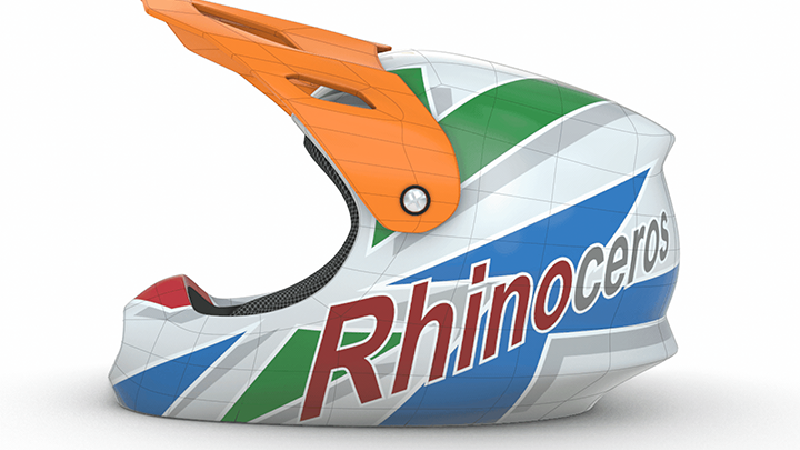
SubD Creases, great for making fillet-like features.
Blazingly fast 3D drawing, a massive speed boost for Mac users.
Student
$195
One time purchase
Perpetual license
Support included
Service releases included
Use for commercial work
Evaluation
$0
No credit card required
90 day trial license
Support included
All features included
Use for commercial work
Commercial
$995
One time purchase
Perpetual license
Support included
Service releases included
Floating license
Rhino is the most versatile of all 3D modelers, a jack-of-all-trades used in many industries…
…just to name a few. No matter the scale, whenever a model needs to get from your screen to a real, built object, you will find Rhino.
"I’ve been using Rhino for 20 years. It’s the backbone of my work. Many art departments use Rhino on the bigger films requiring complex designs."
"Grasshopper for Rhino is one of the best platforms for computational design. It's easy to use for beginners, and the depth of possibilities make it an incredibly customizable framework for advanced users."
"For last 10 years, Rhino has been my development tool for designing kitesurfing equipment: boards, bindings, control systems. More recently, for kite design, I've developed a 100% parametric engine in Grasshopper to automate my workflow."
Grasshopper is a visual programming environment tightly integrated with Rhino’s 3D modeling tools. Grasshopper requires no knowledge of programming or scripting, but still allows designers to build generative forms from the simple to the awe-inspiring. Grasshopper also has a very rich add-on library.

+1500 apps/resources for Rhino and Grasshopper.
Our forum: simple or complex questions, from new or veteran users, about all our products.

Classroom training, online training, workshops, conferences.


Official developer resources for Rhino and Grasshopper.

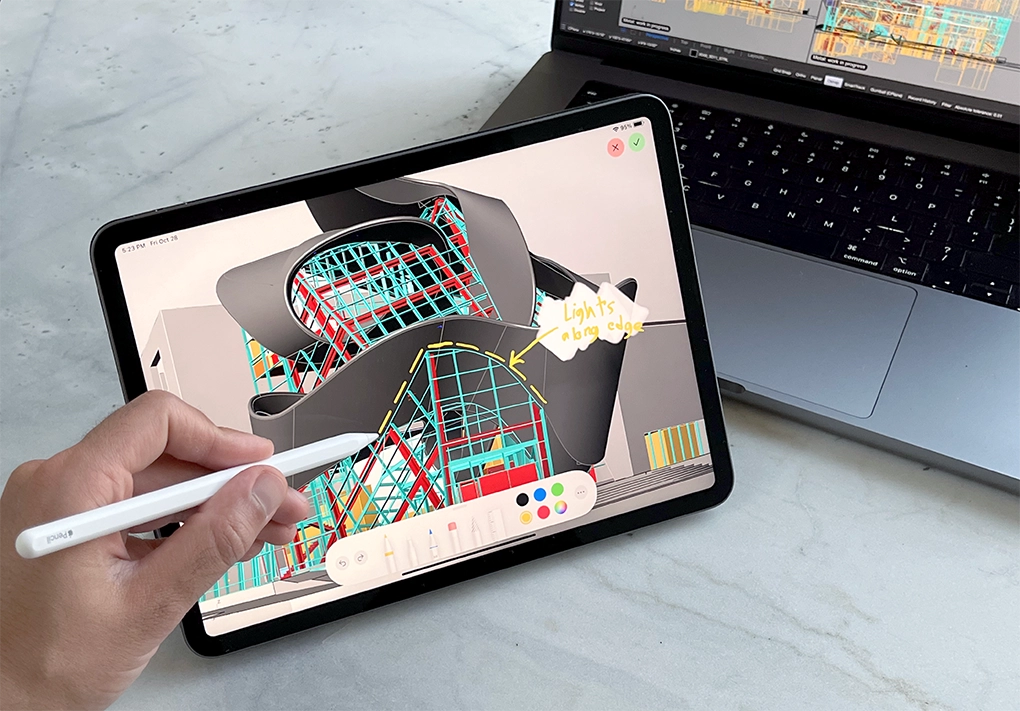
Rewritten from the ground up, the new iRhino 3D performs and feels exactly like Rhino.
Pan, zoom, and orbit with a tap or drag of your finger.
Conveniently load models from your device or any cloud storage using a built-in file browser.
Integrated markup tool lets you draw on top of a view.
Not the other way around.
Prices include support and service releases for the current version. Perpetual licenses. No maintenance fees. Upgrades are optional.
Float your license. Licenses can be configured by you for your needs. All licenses are permanent and do not expire.
Unlike other software companies, we provide commercial versions of our products to students, faculty, and schools at a substantial discount.
Rhino owners can download and test Work-In-Progress versions of Rhino in-development (Rhino WIP access).
Hundreds of videos, guides, tutorials, manuals, and classes. Get started learning Rhino today…
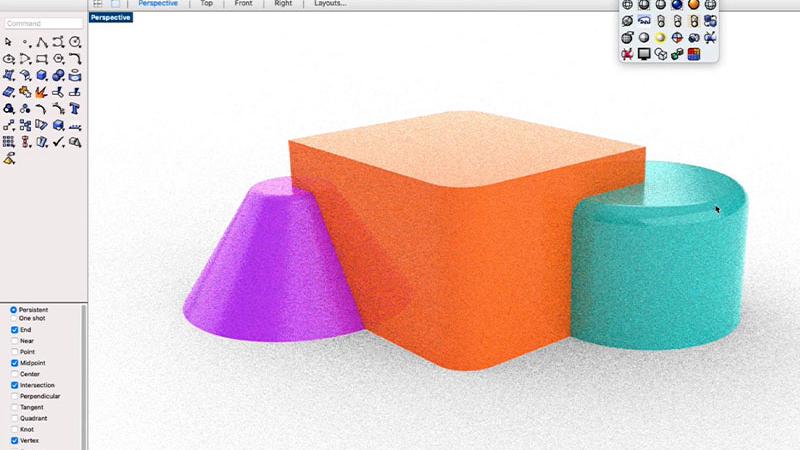
Jump right in at your comfort level
Tutorials with step-by-step instructions

Online, In Person, Worldwide
Follow along with master Rhino trainers
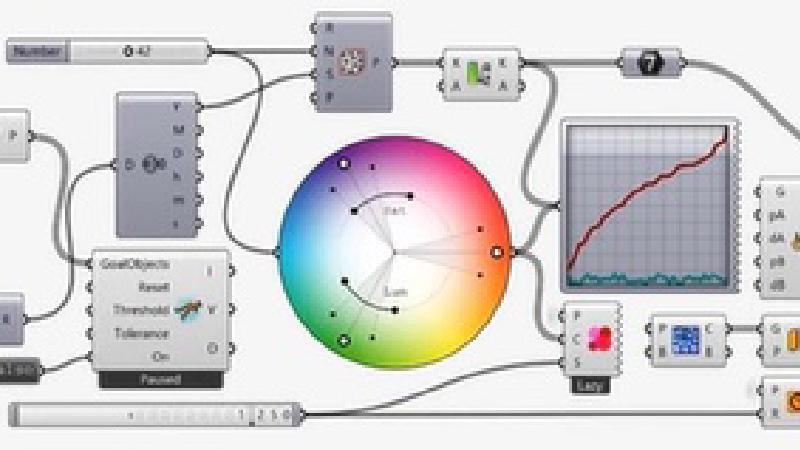
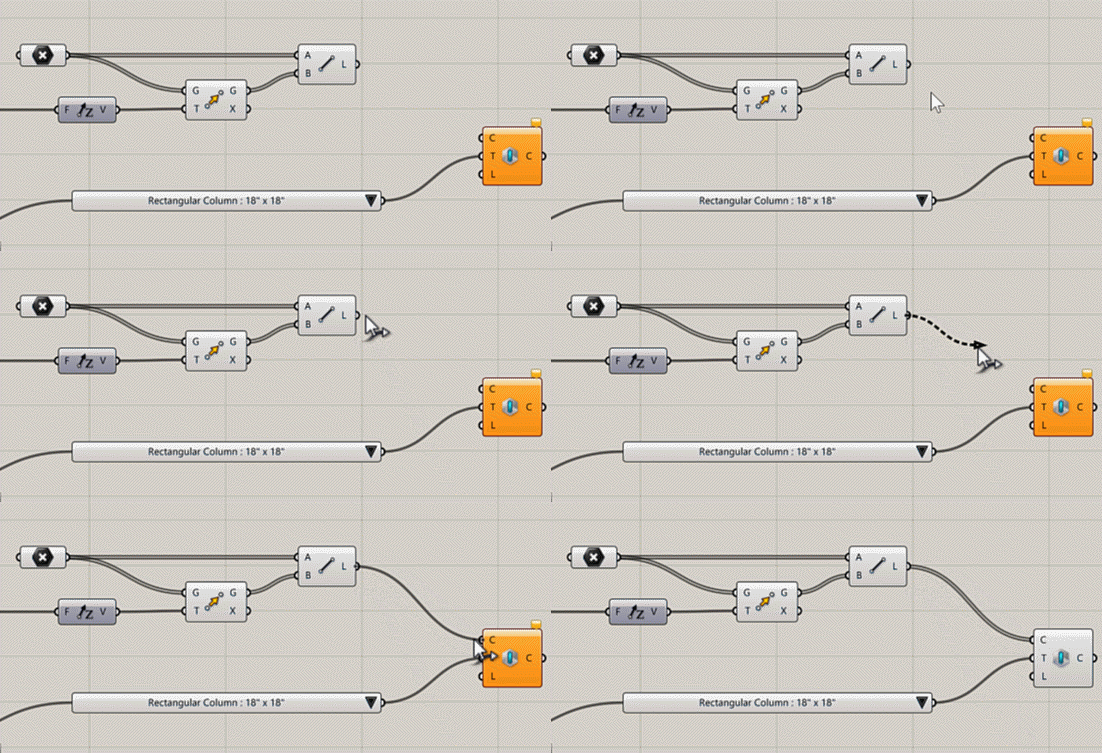
Programming! No typing required!